
If your FileInvite Login URL ends in fileinvite.com, please use this knowledge base instead.
The Client Portal now supports multiple languages. Borrowers can view and interact with the portal in Spanish, Dutch, German, or French, in addition to English. All email and SMS notifications will also be sent in the borrower's selected language.
Note: Multi-language support applies to static interface text only. User-inputted content — such as an Invite name, description, or request titles — is not automatically translated.
How Language Is Determined
The portal selects a borrower's language using the following priority order:
- Browser language — if the borrower's browser is set to a supported language, the portal displays in that language automatically, taking precedence over any other setting.
- Manual selection in the portal — borrowers can manually select their preferred language from the language picker in the top-right corner of the Client Portal at any time.
- Language set on the contact — senders can set a preferred language on a contact record, which will apply as a default when the borrower's browser language is not one of the supported languages.
How Borrowers Change the Language
Borrowers can switch language at any time directly from the Client Portal without any action required from the sender.
- Open the Client Portal
- Click the language name in the top-right corner (e.g. ENGLISH)
- Select the preferred language from the dropdown
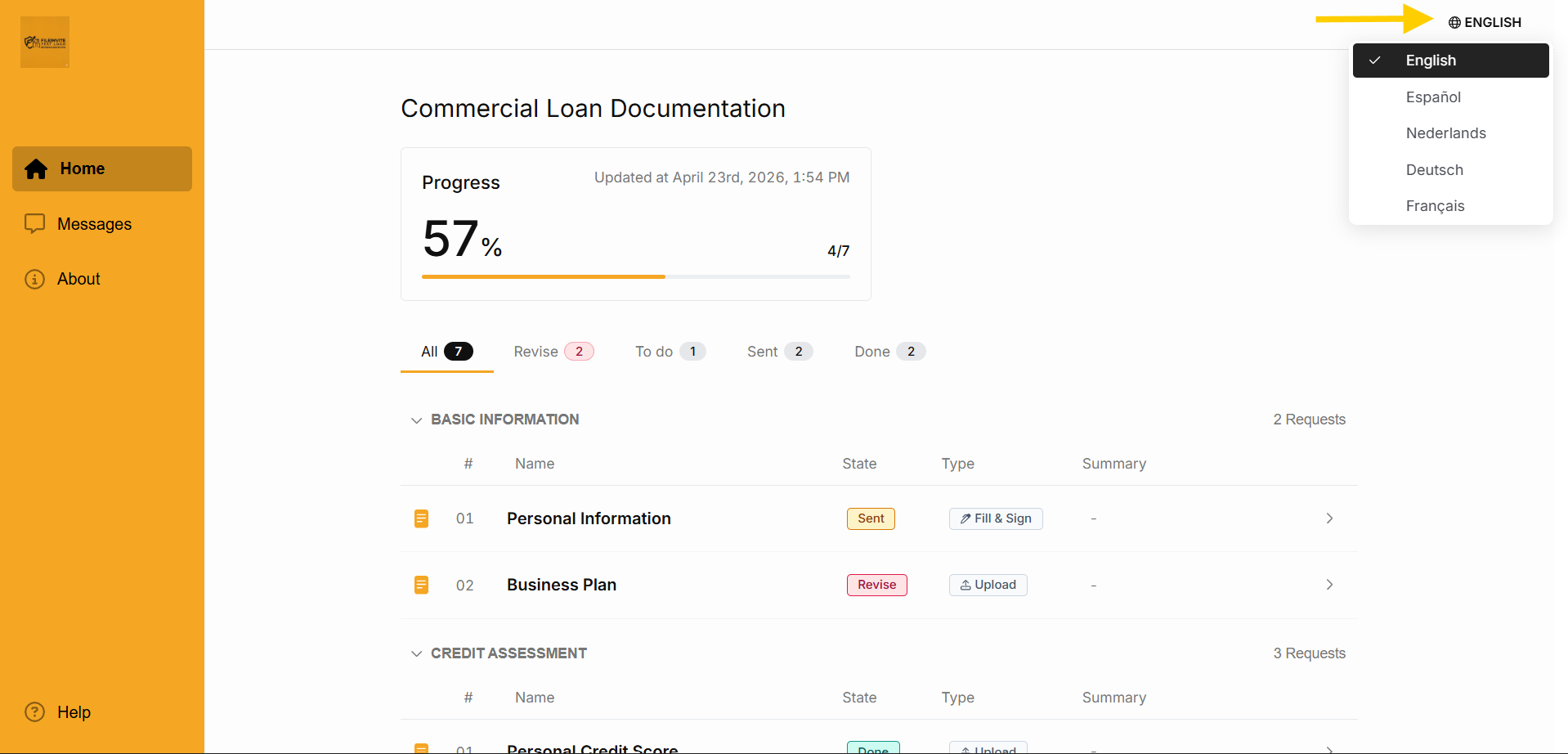
The portal updates immediately. The borrower's selection applies for their current session.
Steps to Set a Default Language on a Contact 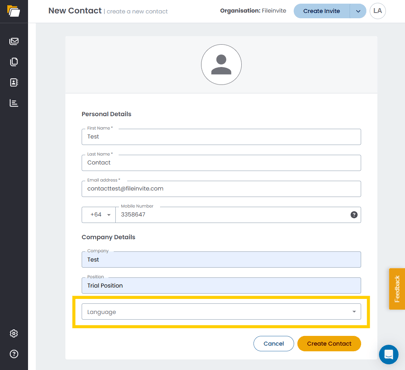
Senders can set a preferred language on a contact record to serve as a default for borrowers whose browser language is not one of the supported languages.
Before setting a language on a contact, navigate to the Contacts section from the sidebar. See Create, Edit or Delete Contacts for more details.
- Open an existing contact or click Create Contact
- Locate the Language field
- Select the desired language from the dropdown
- Click Save
The selected language will apply as the default for that contact across all their Invites.
Supported Languages
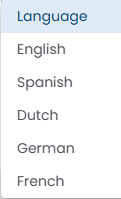
- English (default)
- Spanish (Español)
- Dutch (Nederlands)
- German (Deutsch)
- French (Français)
Note: Additional languages can be added based on demand. Contact your account manager to request support for a specific language.
Note: There is currently no account-wide default language setting. For most borrowers, the browser language takes precedence automatically and no manual configuration is needed.
💡 Best Practice: For accounts that operate exclusively in a specific language, set the preferred language directly on each contact record to avoid relying on borrowers to select it manually in the portal.
🎉 Your borrowers can now complete their Invites in their preferred language! 🎉