![Standard Logo-3.png]](https://help.fileinvite.com/hs-fs/hubfs/Standard%20Logo-3.png?height=40&name=Standard%20Logo-3.png)
Note: Master Users in Enterprise plans can set up custom roles to grant access to specific Settings pages.
Multi-person companies can easily use FileInvite as a team.
All team-related features are found in Settings / Team.
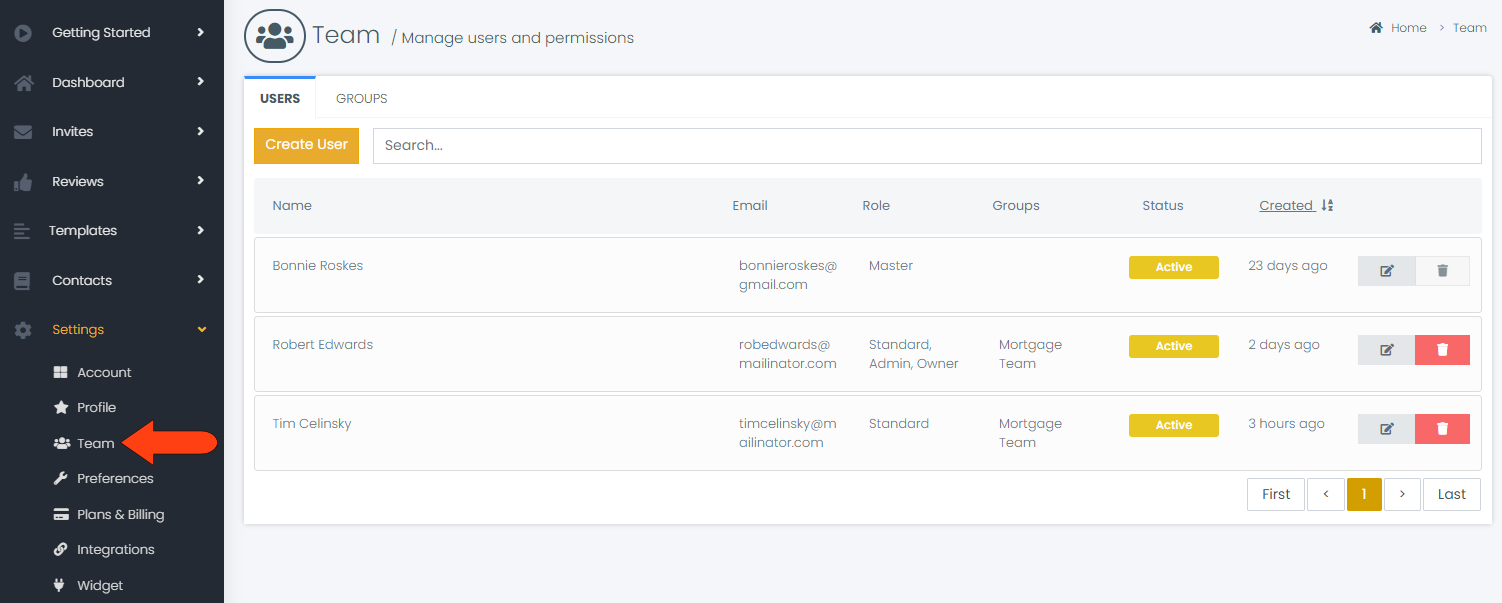
From the Teams page, you can: